I haven't taken notes in a meeting in months. Pavleur's recaps are better than mine ever were, and the action items land in my Notion automatically.
Your AI copilotfor every meeting.
Capture every customer call — video, transcript, screenshots, slides — in 40+ languages. Recordings live on your Mac or your Google Drive, never on our servers.
Works with Zoom, Google Meet, Microsoft Teams — and anything else on your screen. No bot ever joins the call.

00:14:32
 YouEN
YouENAcme — MaríaES
Before we continue, can we talk about multilingual support?YouENAcme — MaríaES
Perfect. And the data — where is it stored?YouENAsk about your call
⌘ ↵ AssistNever lose a single thing from a customer call
Recording, transcript, screenshots, slides, decisions, action items — assembled into one customer page per call.
2/2 Saved
Andrew
LIVE
REC00:14:32
Capturing screen
Full recording
Every call is recorded and stored against the customer it belongs to.
LiveTranscript
10:14:32
SarahEN
Let's start with the Q2 review. Margins are up 3%, conversion dropped 8%.
10:14:48
AndrewEN
What's driving the conversion drop?
10:15:02
SarahEN
Mostly the new pricing tier. Want to A/B test before EOM?
10:15:18
AndrewEN
Send me the pricing PDF first — I'll loop in legal.
10:15:30
SarahEN
On it. Also Acme asked about multilingual support.
Searchable transcript
Every word, timestamped, in the language it was spoken.
+1
slide-04.png
Q2 Pricing Tier
14:32 · Q2 review
#roadmap#pricing#multilingual
Auto-tagged
All captures synced to your Drive
Screenshots, kept
Every screen-share frame worth keeping, captured and tagged automatically.
📎 Q2-roadmapPDF
📎 Pricing-v3PPTX
📎 notion.soLINK
Slides + attachments
Decks, PDFs, links shared in the call land in the customer page.
✓ Decision: ship i18n in Q2→ Action: send pricing PDF📅 Next call: 14 days
Decisions + actions
AI extracts what was decided and what you committed to — never re-asked.
One-page recap
A structured summary you can paste straight into Slack, Notion, or your CRM.
Built for every language your customers speak
Most call assistants quietly fall back to English. Pavleur transcribes in the language the call is actually in.
Acme Corp — Q2 review · Live transcript
LIVE
Sarah[EN]00:02
Hi Andrew — thanks for joining the Q2 review.
Andrew[EN]00:09
Of course. Quick thing — do you mind if we switch to Spanish?
Sarah[ES]00:14
Claro, sin problema. ¿Empezamos con los números?
Andrew[ES]00:21
Perfecto. El crecimiento del Q2 fue del 32%.
Detected language EN ES
Languages
- EnglishEN
- EspañolES
- PortuguêsPT
- 日本語JA
- DeutschDE
- FrançaisFR
+ 34 more
40+languages supported95%transcription accuracyLivespeaker-detected language switching
If your customer switches mid-call from English to Spanish, the transcript switches with them.
Your customer data stays with you
Pavleur doesn't store your call recordings. Videos live on your Mac, or in your Google Drive — wherever you choose. We can't leak what we never store.
Recordings on your storage
Never sold, never shared
Never trained on
Exportable, deletable
Pavleur · Settings → Storage
v2.1Save call recording to
My Mac
~/Pavleur/Recordings · 412 GB free
Google Drive
your-account@workspace.com
Encrypted at rest
AES-256 · per-file keys
Never trained on
Your data is excluded from all model training
Auto-delete after 90 days
Off · keep recordings indefinitely
Pavleur servers · 0 bytes stored
We can't leak what we never store.
storage://local · synced just now
- Recordings on your storage
- Never sold, never shared
- Never trained on
- Exportable, deletable
Quiet by design
Present in the call. Absent from everything else.
Pavleur is for the conversation between you and your customer. It stays out of the screen-share, out of the participant list, and out of your way.
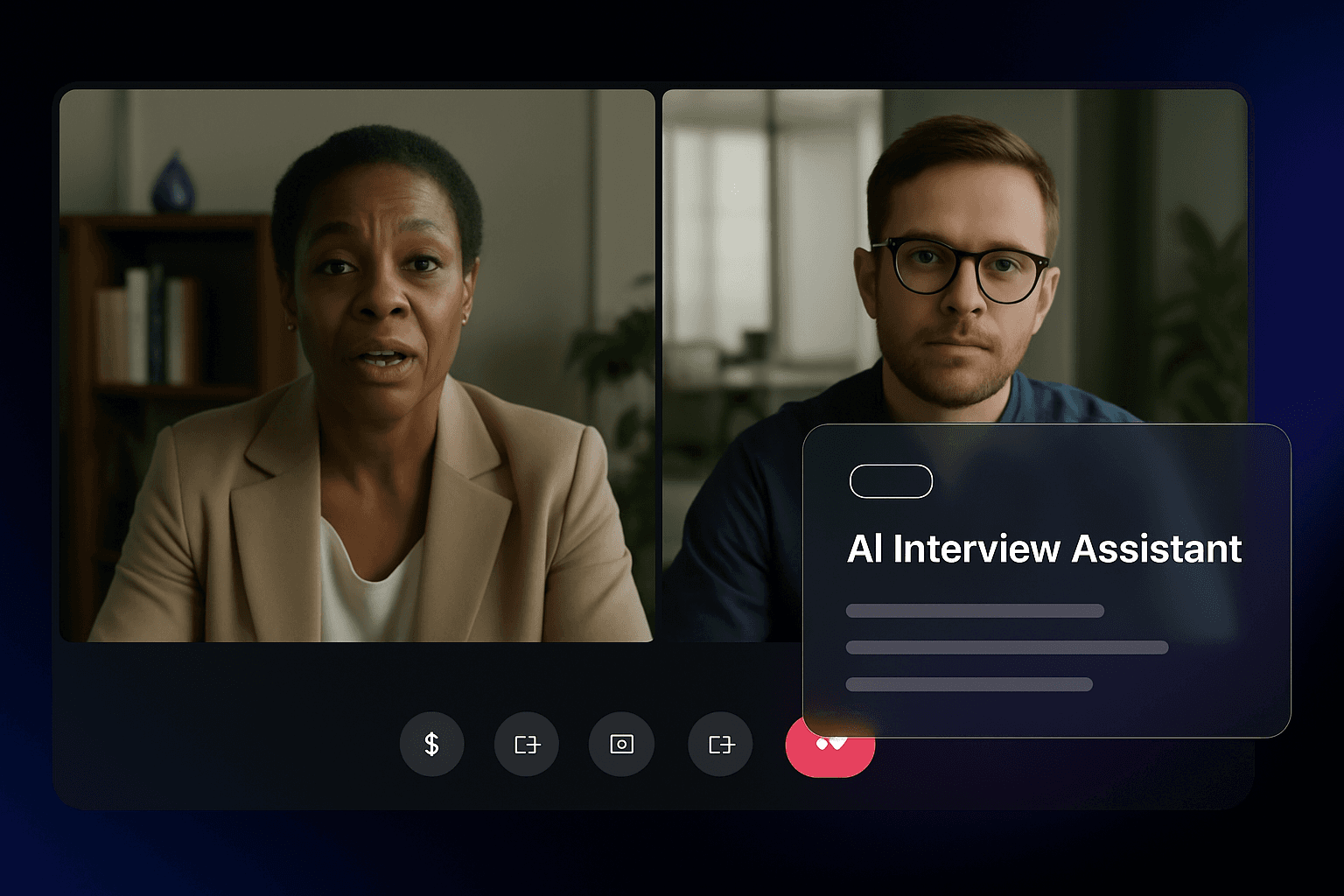
Always at hand
A translucent overlay you can glance at without breaking eye contact. Hide it with ⌘ B; bring it back with the same shortcut. Pavleur is a quiet helper, not a wall in the middle of the call.
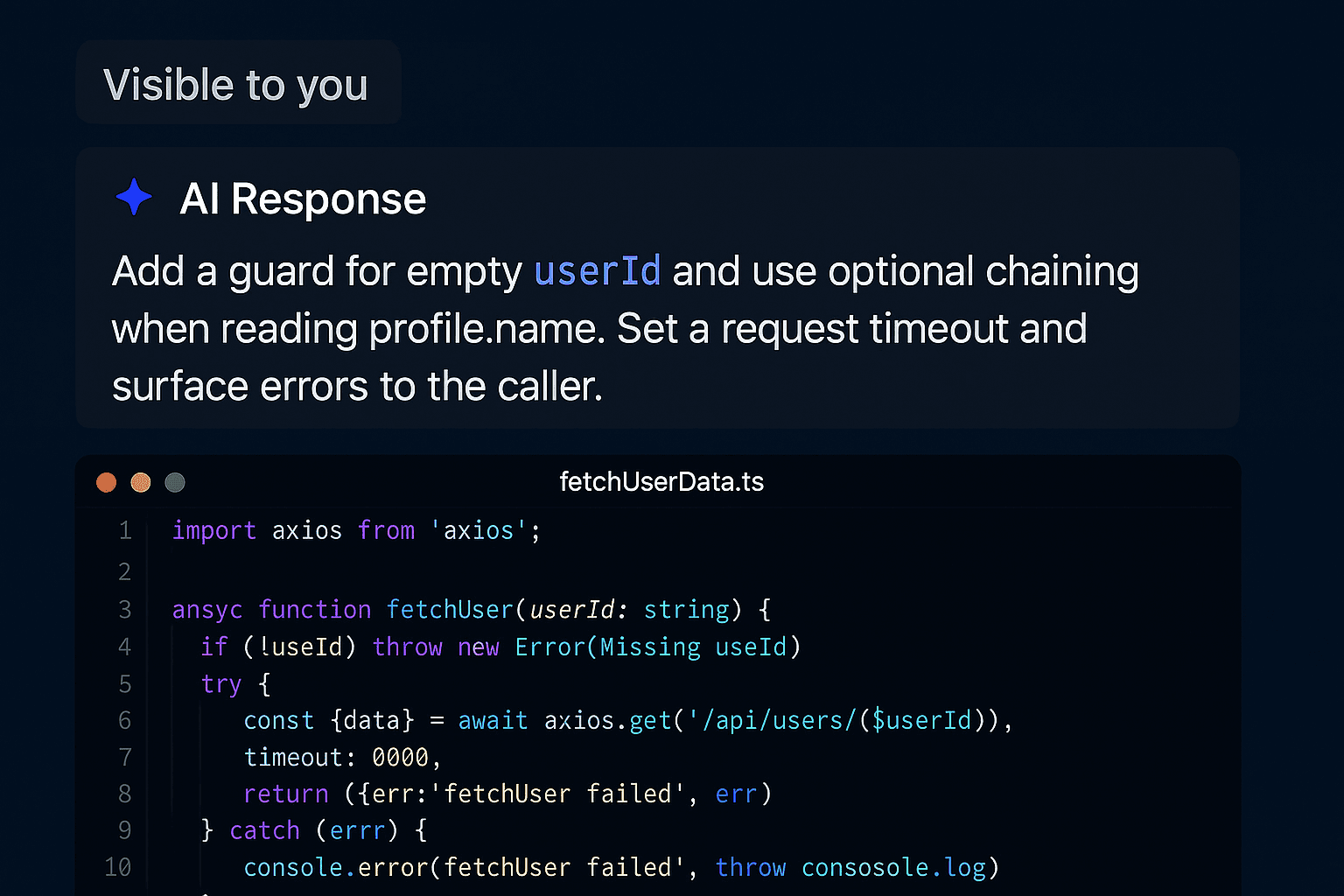
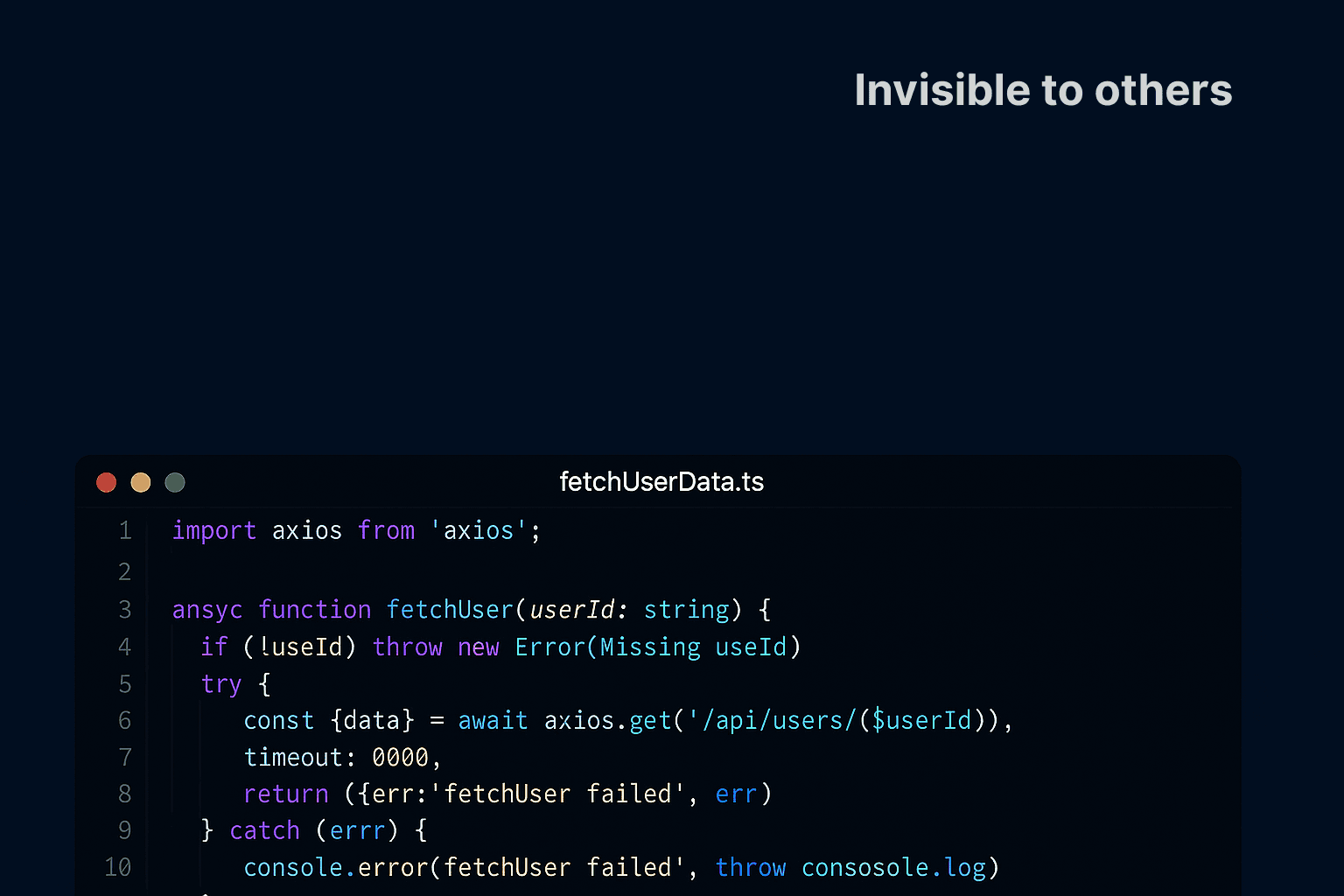
Out of your screen-share
When you share your screen with a customer, Pavleur's overlay never appears in what they see or in any recording — your transcript and AI suggestions stay yours.
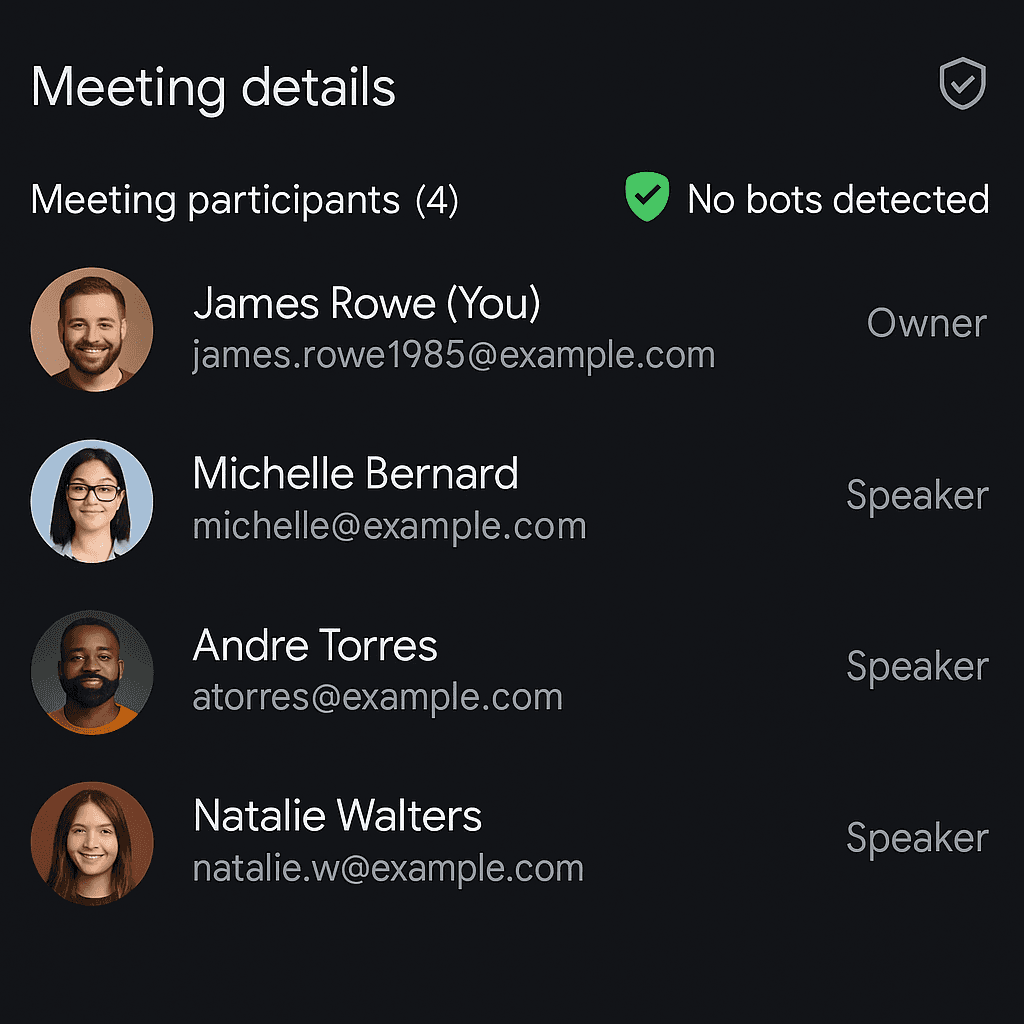
No bot in the meeting
Pavleur runs locally on your Mac. It never joins the call as a participant — no Pavleur entry in attendee lists, no extra guest, no trace on the customer's side.
Illustrative beta scenarios
What happens when Pavleur is in every meeting
Illustrative scenarios from our private beta — composite examples, not verified reviews.
English is my third language. When a senior PM asks a tough question in a standup, Pavleur's assist panel is already there with a draft. I don't freeze anymore.
Search keeps saving me. 'What did we decide about the auth migration?' — seconds later, the exact transcript is on screen.
I open Pavleur before every call automatically. The recap to Slack means my team sees what we agreed before I've even closed the tab.
Example stories for demo purposes
Start
for
for
free.
Your customer-call memory, on every plan. No tricks, no upsells, no data sold.
- AES-256 encryption
- 0 bytes stored on our servers
- Never used for AI training
MonthlyAnnually
Start free
Free
Free
Capture every customer call on your laptop. No credit card.
- Recording, transcript, and screenshots for every call
- Stored on your Mac (or your own Google Drive)
- Up to 10 calls per month
- English transcription
- One-page recap per call
Privacy included
Pro
$18.7518.75 / month
$37.50-50%
Unlimited calls, every language your customers speak.
Everything in Free, plus:
- Unlimited recordings, transcripts, screenshots
- 40+ languages with live code-switch
- AI-extracted decisions and action items
- Slides + attachments auto-attached to the call
- Search every word ever said in a call
- Export per-customer archive in one click
Pay once, use forever
Pro Lifetime
$449
$899-50%
Lifetime access to everything in Pro.
Everything in Pro, plus:
- Pay once, use forever
- All future Pro features included
- Founding-customer Slack channel
This is a monthly subscription — you will be charged every month.
All payments are final and non-refundable due to AI processing costs. Terms of Service
Questions about Pavleur
Everything you need to know about using Pavleur in your day-to-day
The AI Entrepreneur
Your resume gets you the meeting. Pavleur wins it.
The old career ladder collapsed — that doesn't make you obsolete, it makes you early. Pavleur keeps you sharp in both games: the interviews that pay the bills today, and the client calls that build what's next. The book shows you how to stop needing either.
Read The AI EntrepreneurFrom aiescu — Pavleur is one of the tools of the era.